Introduction — why this matters now
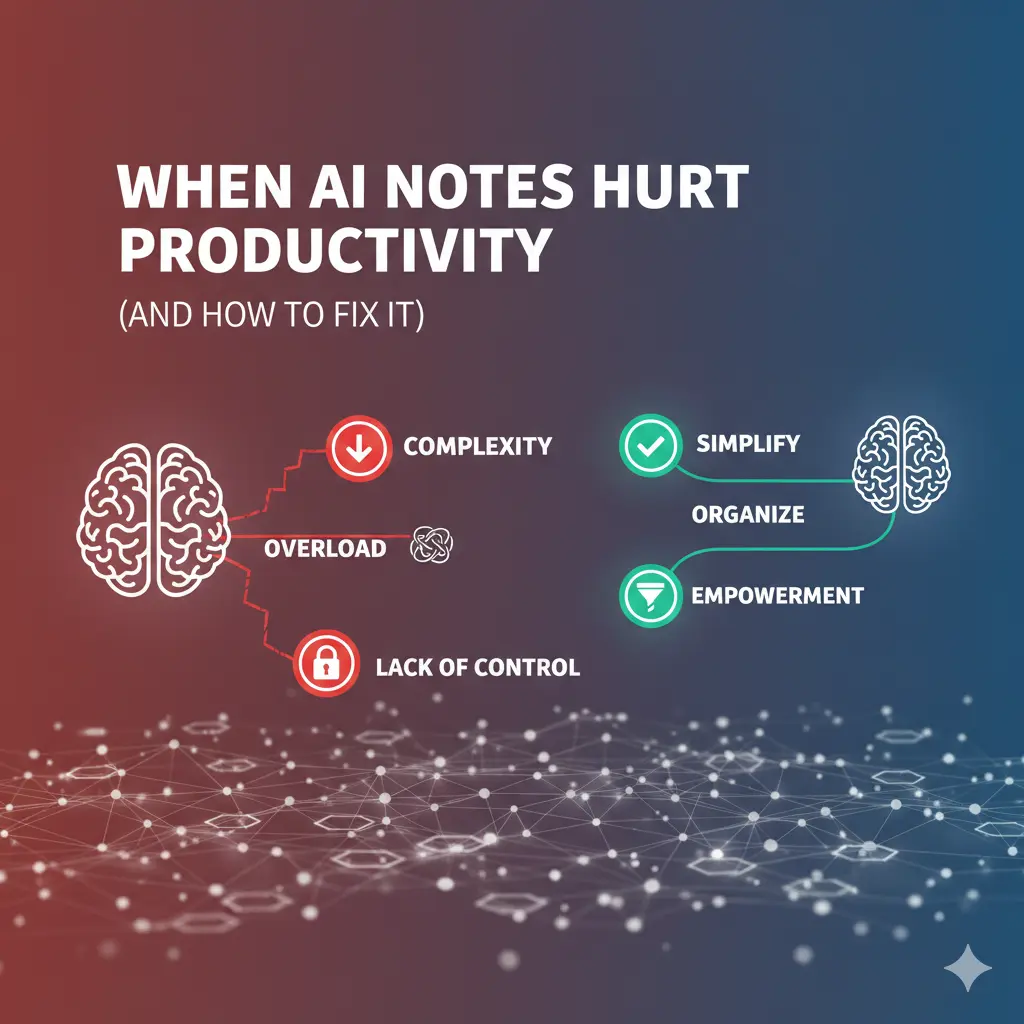
AI notes productivity has become a growing concern as more people rely on automated tools for note-taking. While AI notes promise speed and convenience, they can quietly hurt productivity if used the wrong way.
Many people adopt AI note tools to save time—only to feel busier, more scattered, and less decisive weeks later. Notes multiply, dashboards look polished, and yet progress slows. This article explains the exact moments when AI notes start to undermine productivity, how to recognize the warning signs early, and the fixes that restore momentum without abandoning AI altogether.
What Is AI Notes Productivity?
AI notes promise:
Faster capture
Cleaner organization
Less mental load
The reality, when misused:
More notes than actions
Endless reviewing instead of doing
A false sense of control
The gap isn’t the technology—it’s how it’s applied.
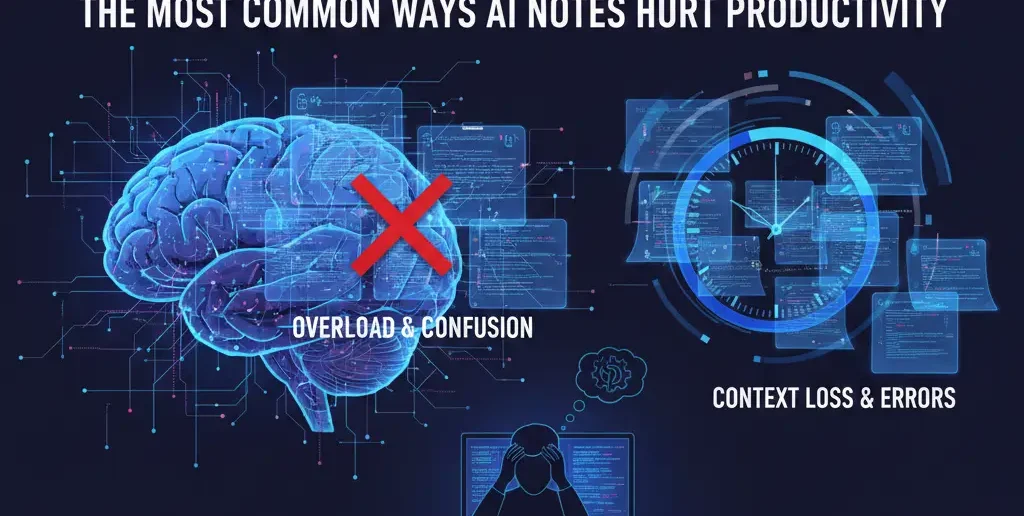
The most common ways AI notes hurt productivity
1) Automation overload
Auto-tags, auto-links, and auto-summaries generate noise faster than humans can review it. Signal gets buried.
2) Decision outsourcing
When AI suggests priorities, deadlines, or “next steps,” people defer judgment—and accountability erodes.
3) Review debt
Unread summaries and unverified links accumulate, creating anxiety and avoidance.
4) Planning theater
Organizing notes feels productive, so execution gets postponed.
Clear warning signs your AI notes are hurting you
If you notice these, productivity is already slipping:
You reread notes more than you act on them
Your task list keeps growing but completion stalls
Notes feel polished, but decisions feel unclear
You “optimize” the system instead of finishing work
These aren’t discipline problems—they’re system design problems.
Common mistakes (and immediate fixes)
Mistake 1: Letting AI finalize notes
Fix: Treat AI output as drafts only. Lock summaries after human review.
Mistake 2: Turning every note into a task
Fix: Require a manual verb-based action (“Email client,” “Draft outline”) before anything becomes a task.
Mistake 3: Never deleting or archiving
Fix: Archive aggressively. Old notes are cognitive clutter.
Information Gain — why productivity drops as notes increase
Most SERP advice says “organize better.” What’s missing is cognitive bandwidth. Counter-intuitive insight: productivity often improves when you reduce notes, not refine them. Each note competes for attention. Fewer, clearer notes lower decision fatigue and speed execution.
Practical insight from experience: the “action ratio”
High-performing systems maintain an action ratio:
For every 10 notes, there should be 1–2 clear actions.
When notes far outnumber actions, productivity drops. Track this weekly—if the ratio slips, prune notes before adding more.
How to fix an AI note system that’s hurting productivity
Use this reset process (30–45 minutes):
List active projects
Identify one outcome per project
Delete or archive notes not tied to outcomes
Extract 1–3 next actions per project
Freeze automation for a week
Clarity returns faster than gradual tweaking.
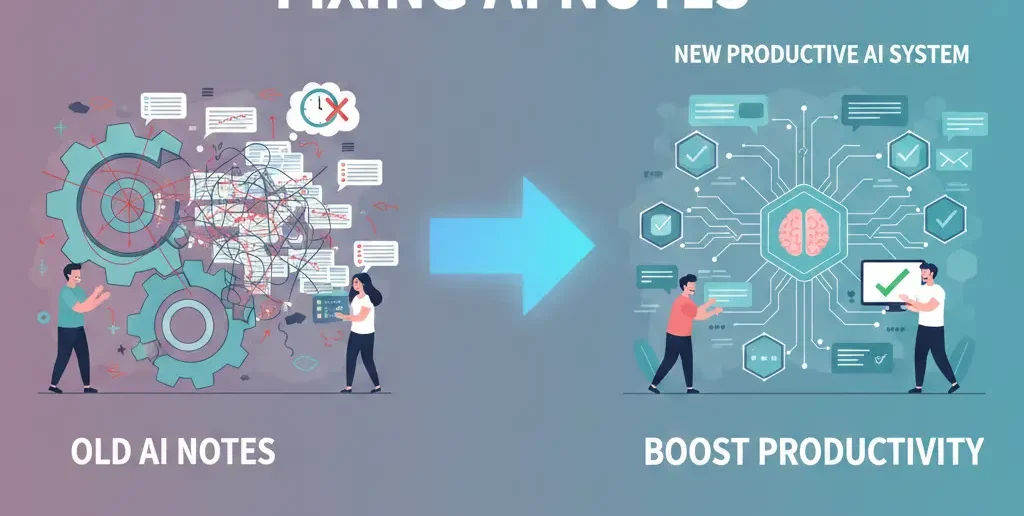
A productivity-safe role for AI notes
Reassign AI to the roles it handles best:
| Stage | Human Role | AI Role |
| Capture | Minimal | Fast intake |
| Clarify | Decide meaning | Suggest structure |
| Prioritize | Decide urgency | None |
| Execute | Do the work | None |
| Review | Evaluate progress | Summarize |
AI supports thinking, not deciding.
[Expert Warning]
If your system feels “smart” but you feel tired, automation has crossed into distraction.
[Pro-Tip]
Set a weekly “automation off” review. If productivity improves, your defaults were too aggressive.
[Money-Saving Recommendation]
You don’t need advanced AI features to be productive. Fewer features with clear habits outperform complex setups.
(Natural transition) When choosing AI note-taking tools for productivity, prioritize fast capture, reliable search, and manual control over priorities—skip tools that try to “run” your day.
How to prevent productivity drift going forward
Adopt these guardrails:
One source of truth for tasks
Human-only priority setting
Weekly archive session
Automation caps (tags, links, summaries)
Clear “definition of done” per project
Guardrails keep AI helpful as workload grows.
FAQs
Can AI notes reduce productivity?
Yes—when automation creates noise or replaces human judgment.
How do I know if AI notes are the problem?
If organization increases while execution slows, the system is misaligned.
Should I turn off AI features completely?
No. Restrict them to capture and review, not prioritization.
How many notes are too many?
More than you can review weekly without stress.
What’s the fastest fix?
Archive aggressively and extract clear next actions.
internal link:
Embedded YouTube
Why productivity systems fail: https://www.youtube.com/watch?v=K-ssUVyfn5g
Focus and execution basics: https://youtu.be/gZoAX6zn_UI?
external link:
Conclusion
AI notes don’t fail because they’re powerful—they fail when they’re unchecked. Productivity improves when automation is constrained, priorities stay human, and notes serve action instead of replacing it. Use AI to reduce friction and clarify thinking, and you’ll regain focus, momentum, and trust in your system.