Introduction
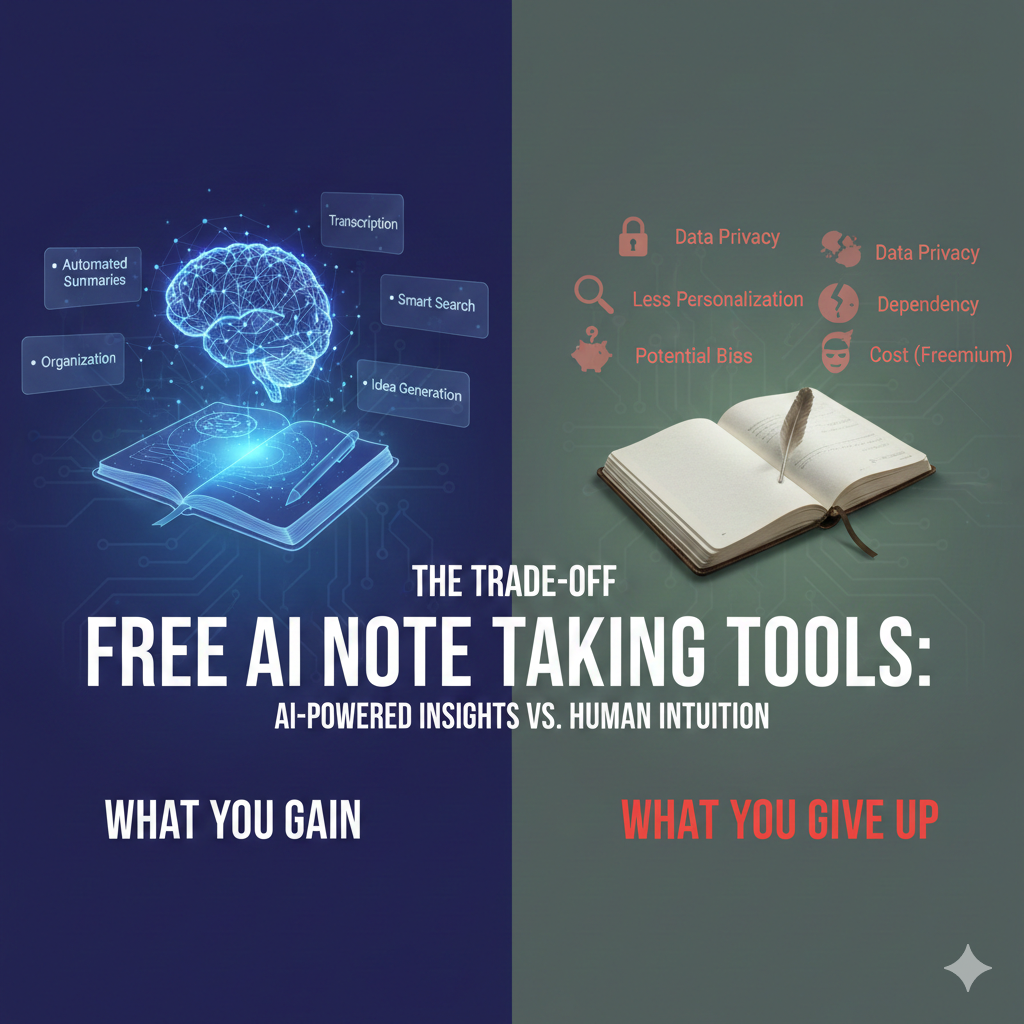
Free AI note taking tools promise fast, automatic notes — but not all deliver the same results. This guide explains how free AI note taking apps work, what you gain, what you give up, and how to choose the right one.
As AI note apps flood the market, many offer generous free plans that promise smart summaries, organization, and fast search. For light use, these tools feel like a win. Problems usually appear later: capped storage, reduced accuracy, locked exports, or unclear data policies. This article explains exactly what you gain with free AI note tools, what you quietly give up, and how to decide—without pressure—whether staying free is realistic for your workflow.
What free AI note taking tools do surprisingly well
From real usage across multiple tools, free plans often excel at:
Basic capture: Typing notes, importing text, or short voice entries.
Initial summaries: Short documents are summarized reasonably well.
Search: Keyword search is often unlimited.
Low barrier entry: No setup friction, no payment anxiety.
For students, casual note-takers, and early experimentation, these benefits are real.
Where free AI note tools start to fall short
The trade-offs usually surface gradually:
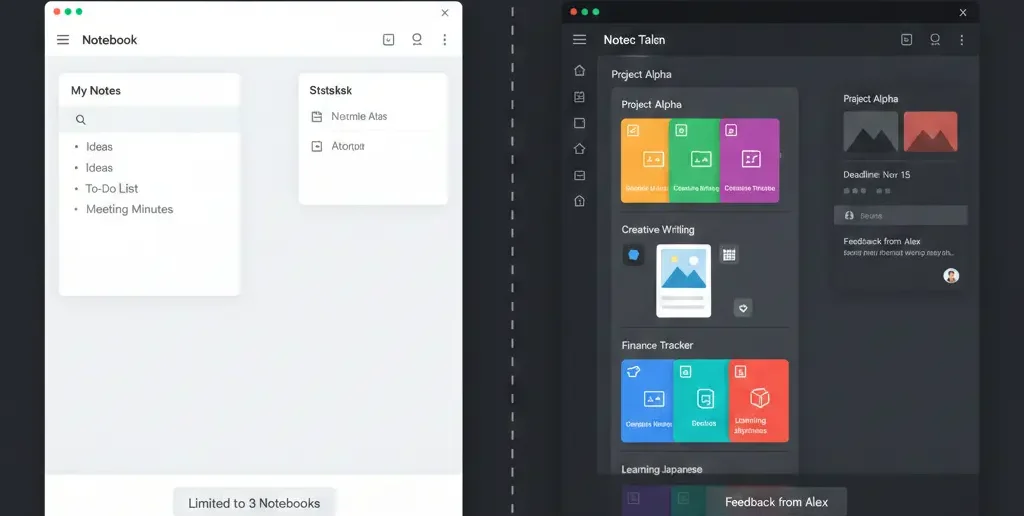
Storage ceilings: Limits on notes, words, or recordings.
Context limits: AI “forgets” older notes when processing new ones.
Export restrictions: Lock-in appears when you try to leave.
Privacy ambiguity: Data may be used to train models by default.
These constraints don’t show on day one—but they matter by week three.

Common mistakes users make with free AI note tools (and fixes)
Mistake 1: Building a system without an exit plan
Fix: Test exporting notes before committing.
Mistake 2: Trusting summaries blindly
Fix: Spot-check AI output against originals.
Mistake 3: Ignoring privacy settings
Fix: Review data usage policies early, not later.
Information Gain — why “free” tools monetize friction, not productivity
Most SERP articles frame free vs paid as “features unlocked.” What they miss: free plans often monetize interruption. Limited summaries, delayed processing, or reminders to upgrade appear precisely when you’re focused. Counter-intuitive insight: the biggest cost of free AI tools isn’t money—it’s broken concentration. If your notes are tied to deep work, that friction matters.
Myth vs reality: “Free AI note tools are enough for most people”
Myth: Most users never outgrow free plans.
Reality: Users with recurring meetings, long-term projects, or exam prep almost always hit limits—storage, recall, or trust—within weeks. Free works best for short cycles, not ongoing knowledge systems.
A realistic decision framework: stay free or upgrade?
Use this table to decide without hype:
| Your Use Case | Free Plan Enough? | Why |
| Daily quick notes | Yes | Low volume |
| Lecture capture | Usually | Until storage fills |
| Meeting summaries | Maybe | Accuracy limits |
| Long-term projects | Rarely | Context loss |
| Research archive | No | Export & recall |
If you check more than two “No,” upgrading isn’t indulgence—it’s stability.
[Expert Warning]
Free tools may retain or process your data for model training. If notes include sensitive information, read policies carefully.
[Pro-Tip]
Create a monthly “export test.” If exporting becomes difficult or restricted, treat it as a red flag.
[Money-Saving Recommendation]
Upgrade only after identifying which limitation blocks you—storage, accuracy, or recall—so you pay for the right reason.
(Natural transition) When comparing options, evaluate AI note-taking software based on long-term reliability and exit flexibility, not just free features.
How to test a free AI note tool in one week
Add notes daily for seven days.
Run summaries on both short and long content.
Search for notes from day one.
Export everything.
Review privacy settings.
If any step feels restricted, note it—it won’t improve later.
FAQs
Are free AI note taking tools safe to use?
Generally yes, but privacy terms vary. Always review data usage policies.
Do free plans limit AI accuracy?
Often indirectly, through context or usage caps.
Can I rely on free tools long-term?
Only for low-volume, non-critical notes.
What’s the biggest hidden limitation?
Export and context retention.
When should I upgrade?
When limits interrupt recall, not when ads suggest it.
Image & infographic suggestions (1200×628)
Hero image: Split screen showing “Free Plan” vs “Paid Plan” note workspace.
Alt text: Free AI note taking tools comparison
Infographic: “Hidden costs of free AI tools.”
Alt text: Trade-offs of free AI note apps
Decision chart: “Stay free or upgrade?”
Alt text: Free vs paid AI note decision guide
Embedded YouTube (contextual)
Free vs paid tools: https://www.youtube.com/watch?v=4aYw2xvK0yA
Note system design: https://www.youtube.com/watch?v=G0H7QZ0t9bE
Conclusion
Free AI note taking tools are valuable—but only when you use them intentionally. They’re ideal for exploration and light workloads, less so for systems you depend on daily. Understand the trade-offs early, protect your data, and upgrade only when stability—not features—becomes essential.
Internal links (planned):
“daily reliability criteria”
“behavioral differences”
“student-friendly free use”
External references (credible):
Data privacy best practices
Research on digital note retention