Introduction
AI productivity notes are meant to reduce mental load and improve execution, but without the right system, they often create more noise than clarity.
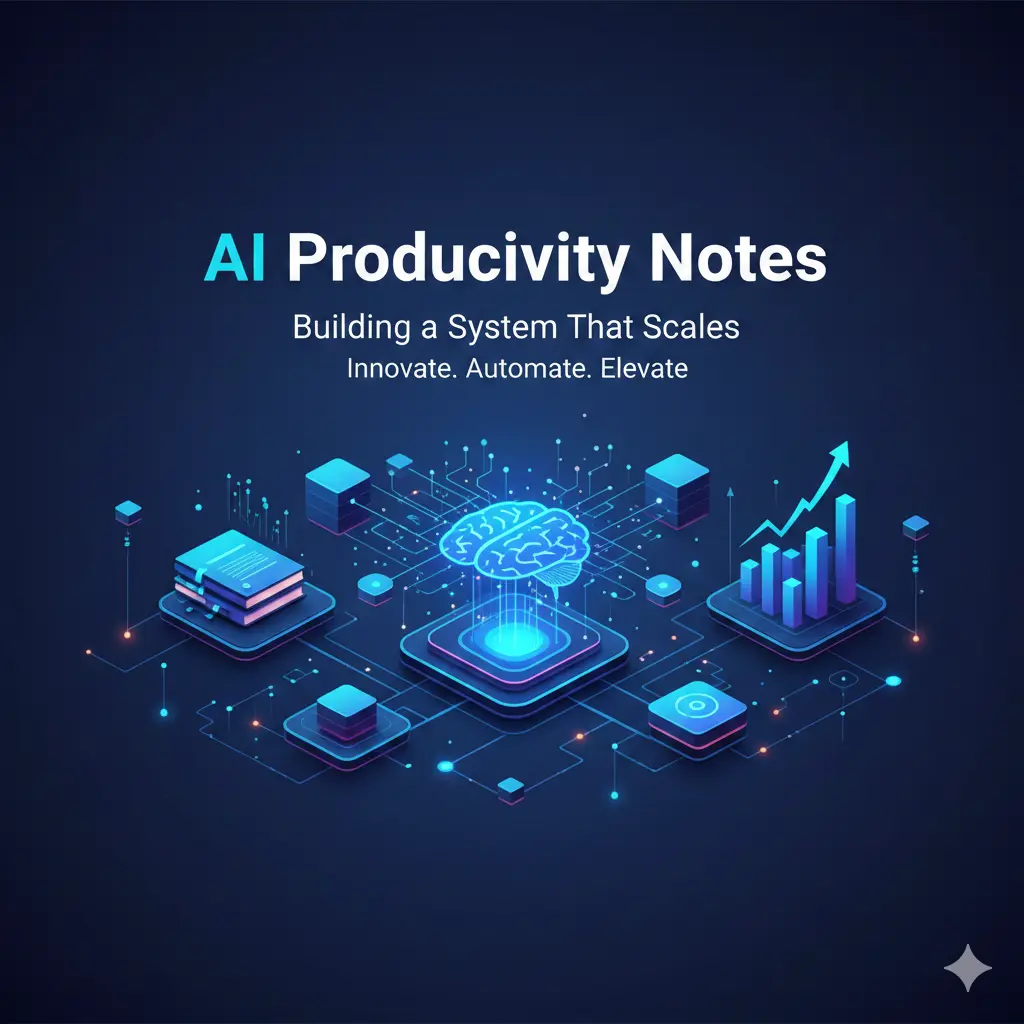
As tasks, meetings, and ideas pile up, many people turn to AI hoping for instant order—auto-summaries, smart tags, and magical organization. The result is often the opposite: more notes, more alerts, and less clarity. This article shows how to design AI productivity notes as a system, not a pile of features. You’ll learn what actually scales, what quietly breaks at higher volume, and how to keep AI helpful as your responsibilities grow.
How AI Productivity Notes Are Different From Regular Notes
Productivity notes are not the same as knowledge notes or meeting notes. Their purpose is to support action.
Effective productivity notes must answer three questions quickly:
What matters now?
What’s next?
Where is the source of truth?
AI can help—but only if the system is intentionally designed.
Where AI genuinely improves productivity
From real-world workflows, AI adds value in specific places:
1) Reducing capture friction
AI makes it easy to:
Dump ideas quickly
Convert voice to text
Capture tasks during meetings
Low friction prevents ideas from being lost.
2) Creating structure from chaos
AI excels at:
Grouping related notes
Extracting action items
Building outlines from messy inputs
This saves time during review—not during capture.
3) Fast retrieval
Search and semantic recall help you find:
Decisions
Commitments
Prior context
when you need them most.
Where AI productivity systems quietly fail
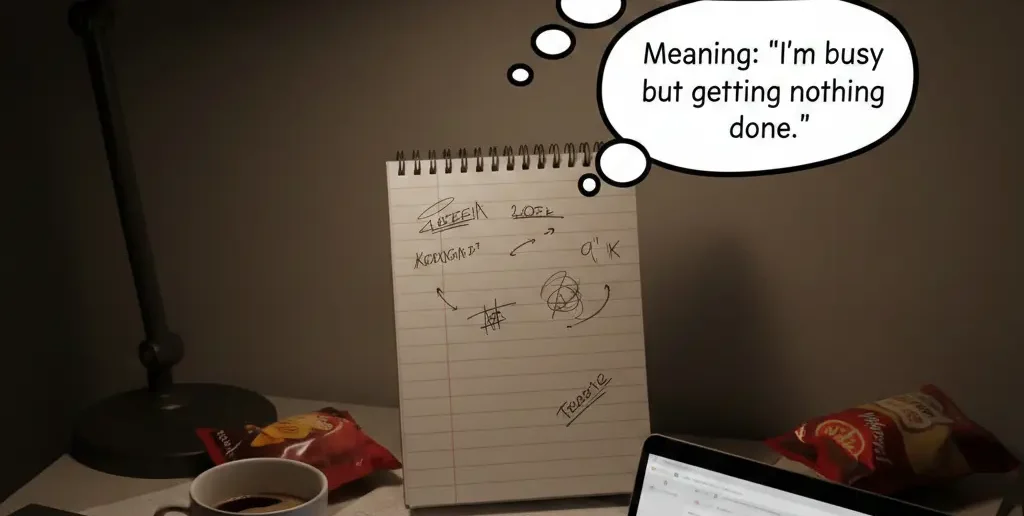
Most systems break not because of missing features—but because of over-automation.
Noise accumulation
Auto-tags, auto-links, and auto-summaries multiply quickly, burying what matters.
Priority confusion
AI can list tasks, but it can’t feel urgency or consequence
False sense of contro
Clean dashboards look productive while execution stalls.

Common Myths About AI Productivity Notes
Mistake 1: Letting AI organize everything
Fix: Limit automation to after capture, not during.
Mistake 2: Treating notes as tasks
Fix: Separate action notes from reference notes clearly.
Mistake 3: Never pruning old notes
Fix: Schedule regular cleanup—AI won’t do this well for you.
Information Gain — why scalable systems limit AI, not expand it
Most SERP advice encourages adding more automation as workload grows. What’s missing is constraint design. Counter-intuitive insight: the most scalable AI productivity systems deliberately restrict AI behavior—fewer tags, fewer summaries, clearer ownership. Constraints keep signal high as volume increases.
Practical insight from experience: what scales past 1,000 notes
Users with large systems optimize for:
One authoritative note per topic
Manual priority markers
Clear “inactive” archives
They let AI assist with retrieval and structure—but never with prioritization.
A scalable AI productivity note system (step-by-step)
This system stays usable as work increases:
| Layer | Purpose | AI Role |
| Inbox | Capture everything | None |
| Processing | Clarify & sort | Suggest structure |
| Action | Execute tasks | Minimal |
| Reference | Store knowledge | Search & link |
| Archive | Reduce noise | Optional |
AI supports processing, not decision-making.
[Expert Warning]
If your AI notes system feels busy but progress slows, automation has crossed into distraction.
[Pro-Tip]
Create a “Now” tag that only you can apply. Never let AI assign urgency.
[Money-Saving Recommendation]
You don’t need premium automation features—search and export reliability matter more than dashboards.
(Natural transition) When choosing AI note-taking tools for productivity, prioritize systems that let you control automation intensity and preserve a single source of truth.
How to scale your AI notes without burnout
Adopt these habits:
Capture fast, process later
Keep one action list outside AI summaries
Review weekly, archive aggressively
Limit tags to what you actually search
Scaling works when clarity grows faster than volume.
FAQs
What are AI productivity notes?
Notes designed to support action, prioritization, and execution—not just storage.
Do AI notes increase productivity?
Yes, when they reduce friction and improve retrieval—not when they add noise.
How many tags should I use?
As few as possible—usually under ten.
Should AI manage my priorities?
No. Humans decide priority; AI supports recall.
Can AI productivity notes scale long-term?
Yes—if automation is constrained and regularly reviewed.
internal link
Embedded YouTube (contextual)
Building second brain responsibly: https://www.youtube.com/watch?v=K-ssUVyfn5g
Productivity systems that scale: https://www.youtube.com/watch?v=ZfZ7c1E0YpA
external link:
Conclusion
AI productivity notes don’t fail because AI is weak—they fail because systems are unbounded. When you design for scale, constrain automation, and keep humans in charge of priorities, AI becomes a powerful ally. Build a system that grows calmer as work increases, and productivity follows naturally.