Introduction — why this matters now
Organizing notes using AI Daily Planning can either sharpen clarity or quietly erase context—the difference lies in how much control you keep. As AI auto-tags, auto-links, and auto-summarizes, many people feel organized at first and confused later. Notes look neat, but meaning drifts: decisions lose their “why,” tasks lose urgency, and related ideas blur together. This article shows how to organize notes with AI in a way that preserves context, prevents noise, and stays usable as your system grows—so retrieval gets faster without sacrificing understanding.
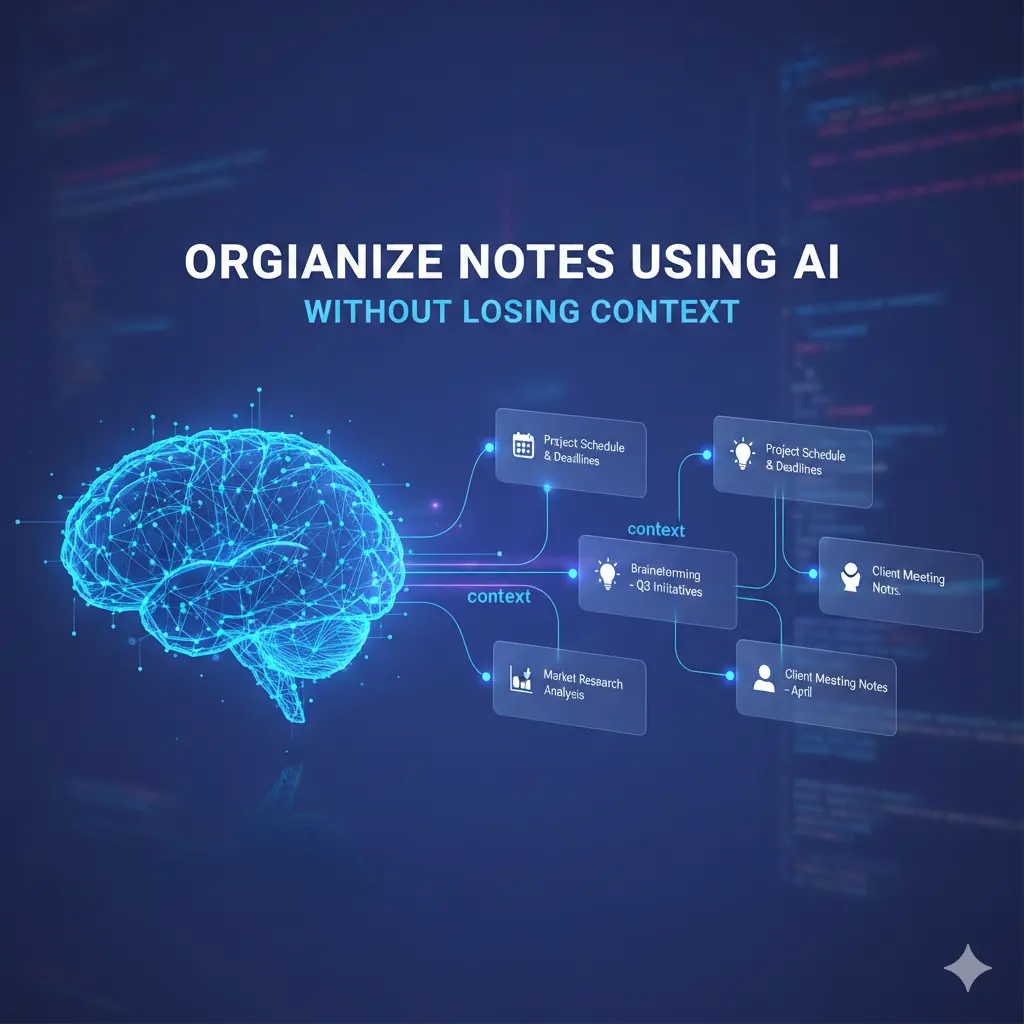
How AI Daily Planning Organizes Notes Without Losing Context
Context is the information that explains why a note exists and how it should be used. It includes:
The decision behind the note
The time it mattered
The conditions and constraints
The relationship to other notes
AI is great at grouping text by similarity—but similarity isn’t context.
Where AI Daily Planning helps most when organizing notes
Used deliberately, AI adds real value to organization.
1) Grouping related content
AI can cluster notes by topic, project, or theme faster than manual sorting—especially when volume grows.
2) Creating navigable structure
Headings, outlines, and backlinks make long notes skimmable and searchable.
3) Improving retrieval
Semantic search helps you find notes even when you don’t remember exact keywords.
These strengths reduce friction—after capture.
Where AI organization breaks context
Problems arise when automation runs unchecked.
Auto-tag overload
AI assigns too many tags, many of which you’ll never search again.
Flattened relationships
Notes that share words get linked even when their purposes differ (e.g., “budget idea” vs “budget decision”).
Summary drift
Repeated re-summarization removes conditions, timelines, and caveats.

Common mistakes (and how to fix them) AI Daily Planning
Mistake 1: Letting AI tag everything
Fix: Cap tags. Choose a small, human-defined tag set (5–10 max).
Mistake 2: Treating summaries as permanent
Fix: Lock or pin summaries after human review to prevent drift.
Mistake 3: Mixing actions and references
Fix: Separate action notes (what to do) from reference notes (what to know).
Information Gain — why fewer tags create better organization AI Daily Planning
Most SERP advice promotes “smart tagging.” What’s missing is search behavior reality. People rarely use more than a handful of tags consistently. Counter-intuitive insight: systems with fewer tags retrieve faster and preserve context better, because each tag carries more meaning. AI should suggest tags—but humans should decide which ones survive.
Practical insight from experience: context anchors that scale AI Daily Planning
High-volume systems use context anchors—small, consistent fields added to important notes:
Why this exists
When it matters
Who decided
Next review date
AI can’t infer these reliably. Humans must add them once. Retrieval quality improves immediately.
Best Practices to Organize Notes Using AI Long Term
Use this framework to keep meaning intact:
| Layer | Rule | AI Role |
| Capture | No structure | None |
| First organize | Add anchors | Suggest clusters |
| Summarize | Human review | Draft only |
| Link notes | Purpose-based | Recommend links |
| Archive | Reduce noise | Optional |
AI assists—but never finalizes—structure.
[Expert Warning]
If you can’t explain why a note exists when you open it, organization has already failed.
[Pro-Tip]
Add a one-line “Context” sentence at the top of important notes. It prevents 80% of future confusion.
[Money-Saving Recommendation]
You don’t need advanced auto-linking features. Reliable search plus manual anchors beat complex automation.
(Natural transition) When selecting AI note-taking tools for organization, prioritize those that let you lock summaries, control tags, and keep original text visible.

How to organize notes with AI (step-by-step)
Capture notes freely
Let AI suggest clusters—not tags
Add a short context line manually
Approve or delete AI links
Review weekly; archive aggressively
This keeps systems clean and understandable.
FAQs
Can AI organize notes automatically?
It can suggest structure, but humans must preserve context.
Why do AI-organized notes feel confusing later?
Automation removes conditions and intent over time.
How many tags should I use?
As few as you consistently search—usually under ten.
Should AI summaries be trusted long-term?
Only after human review and locking.
What’s the fastest way to preserve context?
Add a one-line “why this note exists” statement.
internal link:
- Using AI Notes for Daily Planning
- AI Workflow Note Systems Explained
- When AI Notes Hurt Productivity
Embedded YouTube
Second brain pitfalls: https://www.youtube.com/watch?v=K-ssUVyfn5g
Note organization strategies: https://www.youtube.com/watch?v=ZfZ7c1E0YpA
external link:
Conclusion
Organizing notes with AI works best when automation supports meaning instead of replacing it. Use AI to suggest structure, not to decide it. Add small human context anchors, limit tags, and lock summaries once reviewed. When context is preserved, organization stays fast, clear, and scalable—no matter how many notes you collect.