Introduction — why this matters now
AI workflow note systems promise to connect everything—tasks, notes, meetings, and ideas—into one intelligent flow. But many people end up with the opposite: fragmented notes, unclear responsibilities, and workflows that feel automated but unreliable.
The problem isn’t AI—it’s misunderstanding what a workflow note system is supposed to do. This article explains AI workflow note systems in simple terms: how they work, where AI truly adds value, where it creates friction, and how to design a workflow that stays clear as work volume grows.
What Are AI Workflow Note Systems?
A workflow note system is not just organized notes.
It’s a system that answers, at any moment:
- What am I working on?
- What stage is it in?
- What happens next?
AI workflow note systems combine notes + actions + state.
Notes capture information.
Workflow defines movement.
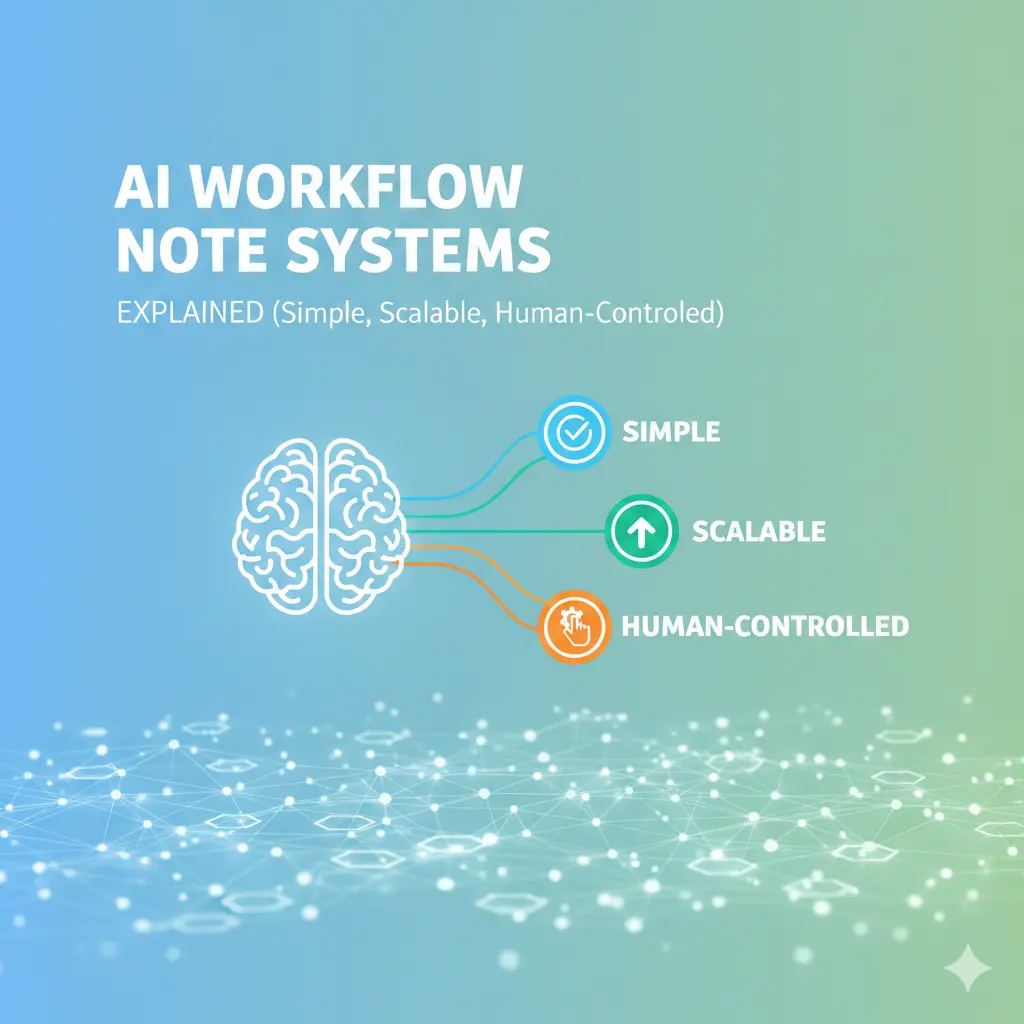
AI assists—but does not control—the flow.
If notes don’t move work forward, you don’t have a workflow—you have storage.

The core stages of a workflow note system
Every effective system—AI or not—follows the same stages:
- Capture – collect raw input
- Clarify – decide what it means
- Organize – place it correctly
- Execute – do the work
- Review – reflect and clean up
AI can support several stages—but it must never replace human judgment in clarification and execution.
Where AI genuinely helps workflow systems
1) Faster capture across contexts
AI helps you:
- Convert voice to text
- Capture ideas during meetings
- Dump thoughts without formatting
This keeps work moving without interrupting focus.
2) Clarifying messy inputs
AI is excellent at:
- Extracting action candidates
- Summarizing long discussions
- Highlighting decisions
This reduces processing time after capture.
3) Workflow visibility
AI-powered search and summaries help you see:
- What’s in progress
- What’s blocked
- What hasn’t moved
Visibility improves follow-through—not prioritization.
Where AI workflow systems break down

Automation without state awareness
AI can summarize text—but it doesn’t understand workflow states like waiting, blocked, or delegated.
Blurring notes and actions
When AI turns every note into a task, execution becomes overwhelming.
False flow
Dashboards update. Summaries refresh.
But work doesn’t move.
This creates the illusion of progress without momentum.
Common workflow mistakes (and fixes)
Mistake 1: Letting AI define workflow stages
Fix: Define stages manually (Inbox, Active, Waiting, Done).
Mistake 2: Using notes as the task system
Fix: Notes support tasks—tasks live elsewhere or are clearly marked.
Mistake 3: No regular review cycle
Fix: Weekly workflow review is mandatory—AI can’t replace it.
Information Gain —Why AI Workflow Note Systems Fail Without Human Control
Most SERP content promotes “end-to-end AI workflows.”
What’s missing: decision checkpoints.
Counter-intuitive insight:
Workflow systems scale when humans explicitly approve transitions between stages. AI should suggest movement—but never move work automatically.
Practical insight from experience: workflow beats organization
High-performing users optimize for:
- Fewer workflow stages
- Clear “waiting” states
- One visible next action per item
They use AI to summarize status, not to decide direction.
A simple AI workflow note system (step-by-step)
This system stays stable as workload increases:
| Stage | Purpose | AI Role |
| Inbox | Capture everything | None |
| Clarify | Decide meaning | Suggest actions |
| Active | Execute work | Minimal |
| Waiting | Track dependencies | None |
| Review | Weekly cleanup | Summarize |
| Archive | Reduce noise | Optional |
AI assists movement—but humans approve every transition.
[Expert Warning]
If you can’t tell what stage a note is in, your workflow system has already failed.
[Pro-Tip]
Use explicit state labels like Active, Waiting, Someday. Never rely on AI to infer state.
[Money-Saving Recommendation]
You don’t need advanced workflow automation. Clear stages + search outperform complex AI rules.
(Natural transition) When choosing AI note tools for workflow management, prioritize systems that make state visible and easy to change manually.
How to keep AI workflows from becoming rigid
Adopt these habits:
- Review workflow weekly
- Limit active work to what you can finish
- Archive aggressively
- Keep one clear next action per item
Flow improves when friction is intentional.
FAQs
What is an AI workflow note system?
A system that uses notes to move work through defined stages, with AI assisting clarity and review.
Can AI manage my workflow automatically?
No. AI can suggest—but humans must approve transitions.
Why do AI workflows feel confusing over time?
Because states and decisions aren’t made explicit.
How many workflow stages should I use?
As few as possible—usually 5–6.
Do workflow systems scale with AI?
Yes—when automation is constrained and reviews are consistent.
Internal link:
Embedded YouTube
Productivity systems explained clearly: https://youtu.be/7M6bIeVbCqA?si=AawPNklLIBUWbH6t
Why workflow systems fail: https://youtu.be/AR1YinzkmdM?si=Ga2E0w3I-FuXtJfa
external link:
Conclusion
AI workflow note systems succeed when structure comes first and automation comes second. Define stages clearly, keep humans in control of transitions, and let AI assist with clarity—not decisions. When workflow is explicit and notes serve movement, productivity scales naturally instead of collapsing under complexity.