Introduction
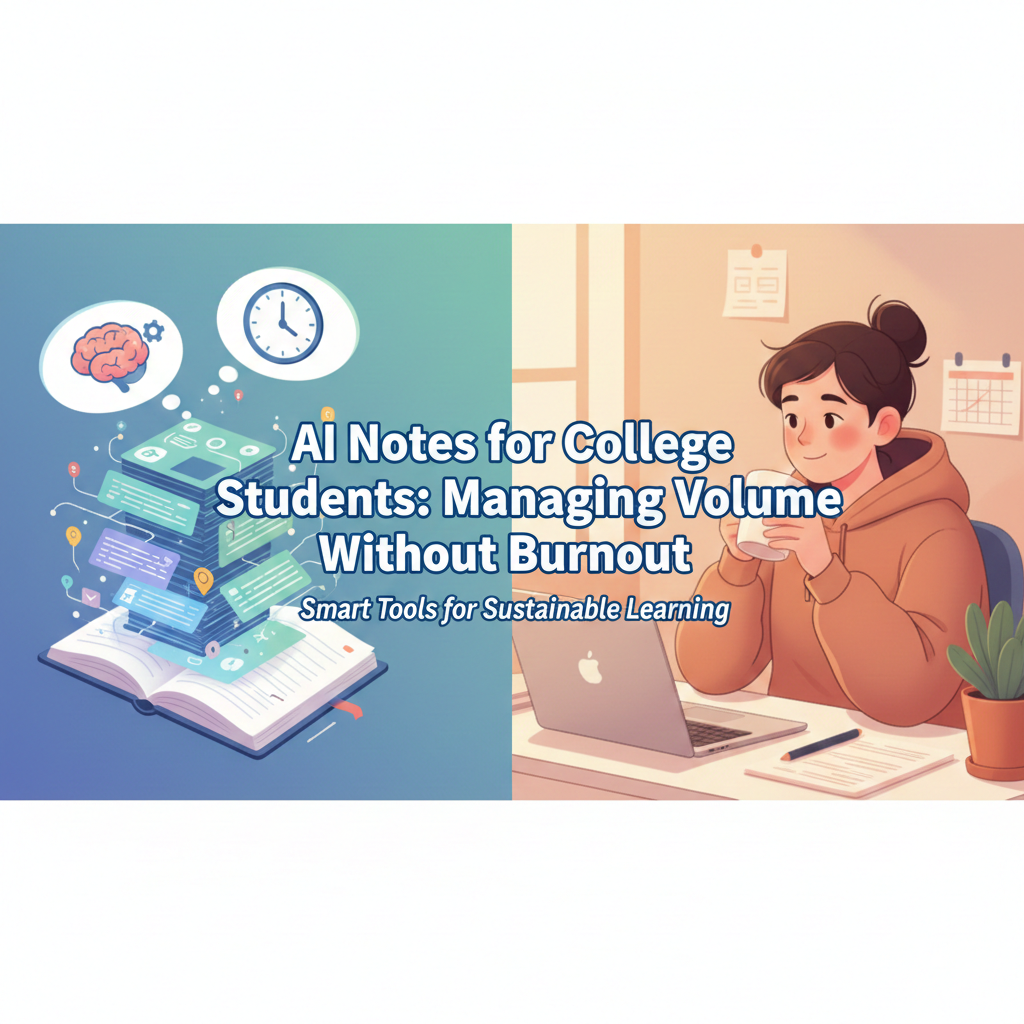
AI Notes College strategies can help students handle increasing study workloads efficiently. With AI Notes College, students can organize lectures, track tasks, and reduce stress while keeping their learning clear and manageable.
College workloads have intensified: recorded lectures, dense readings, overlapping deadlines, and constant assessments. Many students turn to AI notes to keep up, hoping automation will save time and energy. Sometimes it does. Other times it quietly increases burnout by creating passive study habits and false confidence. This article shows how college students can use AI notes to handle volume sustainably, avoid burnout traps, and build study systems that actually support learning across a full semester.
Why AI Notes College Systems Improve Learning
From real campus use, most students aren’t overwhelmed because material is too hard—they’re overwhelmed because there’s too much of it.
Common pressure points include:
Multiple lectures per day
Long weekly reading lists
Notes scattered across apps and platforms
Constant low-grade stress about “missing something important”
AI notes can help—but only when aimed at organization and prioritization, not shortcuts.
Where AI Notes College students the most
Used intentionally, AI notes offer three big advantages:
1. Centralizing scattered material
AI can bring together:
Lecture transcripts
Slide text
Reading highlights
Rough personal notes
This reduces mental clutter and decision fatigue.
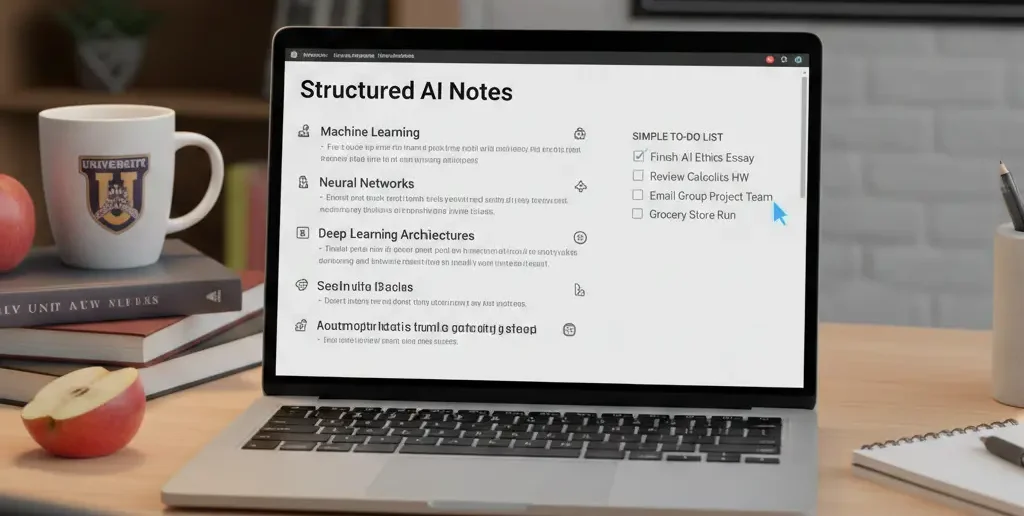
2. Creating navigable structure
Auto-generated headings, topic grouping, and timelines make it easier to:
See what matters most
Spot exam-relevant material
Review selectively under time pressure
3. Fast retrieval during busy weeks
Searching for “Week 6 thermodynamics” or “Essay framework” beats scrolling endless pages the night before a deadline.
Where AI Notes College quietly increase burnout
The downside isn’t obvious at first.
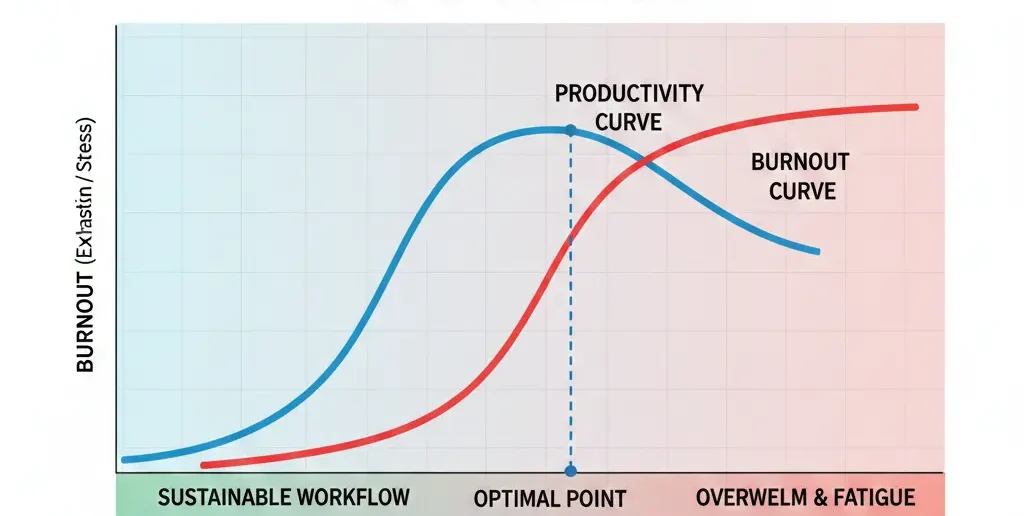
Passive overload
When everything is summarized automatically, students read more but understand less—leading to longer study sessions and rising anxiety.
Always-on feeling
Because AI can process endlessly, students feel pressure to keep feeding it more material instead of deciding what to ignore.
Delayed stress
Burnout appears later—often during exams—when students realize they don’t actually know the content.
Common college mistakes with AI Notes College
Mistake 1: Letting AI summarize everything
Fix: Summarize selectively. Prioritize lectures and readings tied to assessments.
Mistake 2: Never rewriting AI output
Fix: Create short personal summaries for each topic in your own words.
Mistake 3: Studying longer instead of smarter
Fix: Use AI to reduce volume, then stop—don’t replace rest with more content.
Information Gain — why burnout comes from decision fatigue, AI Notes College
Most SERP advice frames burnout as overwork. What’s often missing is decision fatigue. College students burn out when they constantly decide what to study next. Counter-intuitive insight: AI reduces burnout best when it helps you decide what to ignore. Tools that highlight priority topics and collapse low-value material prevent mental overload more effectively than endless summaries.
Beginner mistake most students make with AI Notes College
Trying to “optimize” every class equally.
In reality, courses differ in grading weight and difficulty. Students who use AI notes to triage—focusing effort where it matters most—maintain energy and perform better than those who try to perfect everything.
A sustainable semester-long AI Notes College workflow
This workflow prioritizes clarity and energy:
| Semester Phase | Student Focus | AI Role |
| Weeks 1–3 | Orientation | Organize material |
| Mid-semester | Prioritization | Highlight key topics |
| Heavy weeks | Survival | Reduce volume |
| Revision | Understanding | Clarify gaps |
| Exams | Recall | Support testing |
AI adapts to the semester instead of dominating it.
[Expert Warning]
Using AI notes to “keep up” without understanding can delay stress—then amplify it during exams.
[Pro-Tip]
Create a weekly “Must Know” note per class. Use AI to help identify it—but write the final version yourself.
[Money-Saving Recommendation]
Free AI tools are usually enough for college. Upgrade only if storage or search limits block your workflow.
(Natural transition) When choosing AI note-taking apps for college, look for tools that support selective summaries and easy personal edits—not full automation.
How to use AI notes without burning out
Adopt these habits:
Set boundaries on what gets summarized
Schedule AI use after lectures, not during rest
Keep one human-written summary per topic
Stop studying earlier—not later—when structure is clear
Burnout decreases when effort becomes focused.
FAQs
Are AI notes good for college students?
Yes, when used for organization and retrieval rather than passive studying.
Can AI notes reduce burnout?
They can—if they reduce volume and decision fatigue.
Should I use AI notes for every class?
No. Use them most for high-volume or high-weight courses.
Do AI notes help with exams?
They help with structure, but understanding still comes from active recall.
Are free AI note apps enough for college?
For most students, yes—paid plans mainly help with large storage needs.
internal link:
Embedded YouTube (contextual)
Avoiding student burnout: https://www.youtube.com/watch?v=H7Z9xk4v9Zc
Smart study systems: https://www.youtube.com/watch?v=IlU-zDU6aQ0
external link:
- study-abroad-high-school
-
Students are increasingly choosing
Related homepage: https://driveragentplus.com/
Conclusion
AI notes for college students are most powerful when they reduce volume, simplify decisions, and protect energy. Used without boundaries, they create passive overload and delayed burnout. Used intentionally, they help you focus on what matters, study with clarity, and finish the semester strong—without running on empty.