Introduction
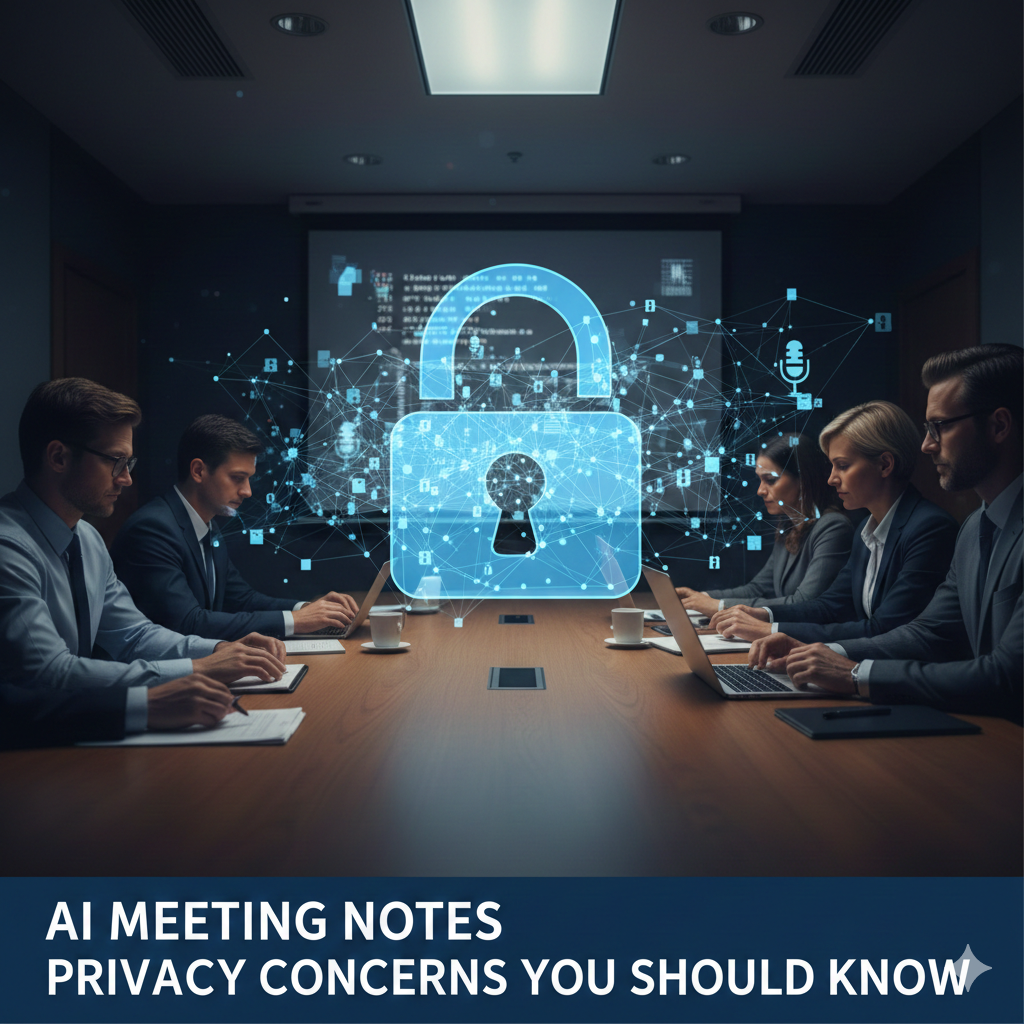
AI Notes Privacy is essential for students who rely on AI meeting notes. Understanding the risks and protecting sensitive information ensures you can study efficiently without compromising personal data. In this article, we explore the top 5 privacy concerns and how to handle them safely.
As recording meetings and generating AI summaries becomes routine, privacy risks quietly increase. Confidential strategy discussions, client data, HR conversations, and personal opinions can all end up stored outside your control. This article explains the most important AI meeting notes privacy concerns, where risks actually come from, and how to reduce exposure without giving up the productivity benefits of automated notes.
What data AI Notes Privacy meeting notes tools usually collect
Most AI meeting tools collect more than users realize:
Raw audio recordings
Full transcripts
AI-generated summaries
Metadata (time, participants, integrations)
Some tools also retain:
Voice samples
Edited summaries
Usage behavior
Even if you delete a note, retention policies may still apply.
Where AI Notes Privacy risks actually come from
Privacy issues aren’t always caused by “bad actors.” They often come from design choices.
1. Cloud processing
Most AI meeting notes tools process data on external servers. This means:
Conversations leave your local environment
Data may pass through multiple systems
2. Model training ambiguity
Some services reserve the right to use anonymized data to improve models unless you opt out.
3. Long retention windows
Transcripts and recordings may be stored longer than expected, even after deletion.
Common privacy mistakes teams make AI Notes Privacy
Mistake 1: Assuming “encrypted” means private
Fix: Check who can access data internally and how long it’s retained.
Mistake 2: Recording meetings by default
Fix: Record selectively, especially for sensitive topics.
Mistake 3: Ignoring participant consent
Fix: Always inform participants when AI tools are recording or summarizing.
Information Gain — why AI Notes Privacy risk grows after the meeting
Most SERP articles focus on recording risk. What they miss: post-meeting exposure. Once transcripts are searchable, shareable, and synced across tools, the audience expands silently. Counter-intuitive insight: the real privacy risk begins after the meeting ends, when notes are reused, forwarded, or integrated into other systems.
Myth vs reality: “Internal meetings are safe to record”
Myth: Privacy only matters for client or external calls.
Reality: Internal meetings often contain:
Performance feedback
Salary discussions
Strategic disagreements
These are often more sensitive than external conversations.
Legal and compliance considerations AI Notes Privacy
Depending on location, recording meetings may involve:
One-party or all-party consent laws
Data protection regulations (GDPR, etc.)
Industry-specific compliance (finance, healthcare, HR)
AI tools don’t absolve responsibility. The organization remains accountable.
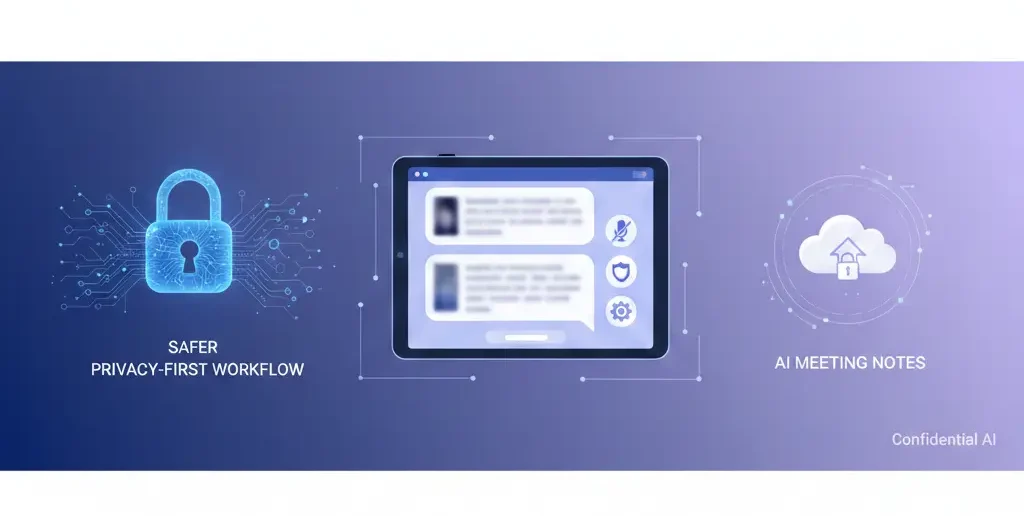
A safer privacy-first workflow for AI Notes Privacy
Use this approach to reduce risk:
| Stage | Privacy Action | Why |
| Before meeting | Announce recording | Consent |
| During meeting | Record selectively | Minimize exposure |
| After meeting | Review & redact | Reduce risk |
| Storage | Limit access | Control |
| Retention | Auto-delete old notes | Minimize footprint |
Privacy improves through process, not promises.
[Expert Warning]
AI meeting notes can be accessed, copied, or shared more easily than traditional notes—assume wider exposure.
[Pro-Tip]
Create a “Do Not Record” rule for HR, legal, and negotiation meetings.
[Money-Saving Recommendation]
You don’t need premium privacy claims—simple controls like selective recording and deletion reduce risk more effectively.
(Natural transition) When evaluating AI meeting notes tools, prioritize clear data retention controls, manual deletion options, and transparency over vague “secure by default” claims.
How to audit an AI Notes tool for privacy
Before committing, ask:
Where is data processed and stored?
How long are recordings retained?
Can data be used for model training?
Who can access notes internally?
Can I export and fully delete data?
If answers are unclear, risk is higher than it looks.
FAQs AI Notes Privacy
Are AI meeting notes private?
They can be, but only if retention, access, and consent are managed carefully.
Can AI tools use my meeting data for training?
Some can unless you opt out—always check policies.
Is recording meetings with AI legal?
It depends on local consent laws. Inform participants every time.
Should sensitive meetings be recorded?
Generally no—manual notes are safer.
Can deleted AI notes still exist?
Yes, depending on retention policies and backups.
internal link:
- Convert Lectures to AI Notes
- How Accurate Are AI Meeting Notes Really?
- AI Notes for College Students
Embedded YouTube (contextual)
Data privacy basics: https://www.youtube.com/watch?v=R3zZLk8dF1M
Consent and recording laws explained: https://www.youtube.com/watch?v=K7b1V5XyZQk
external link:
Conclusion
AI meeting notes tools offer powerful convenience—but privacy doesn’t come for free. The biggest risks aren’t in the recording itself, but in how notes are stored, shared, and reused. With clear consent, selective recording, and disciplined retention practices, teams can enjoy the benefits of AI notes without turning everyday meetings into long-term liabilities.