Introduction
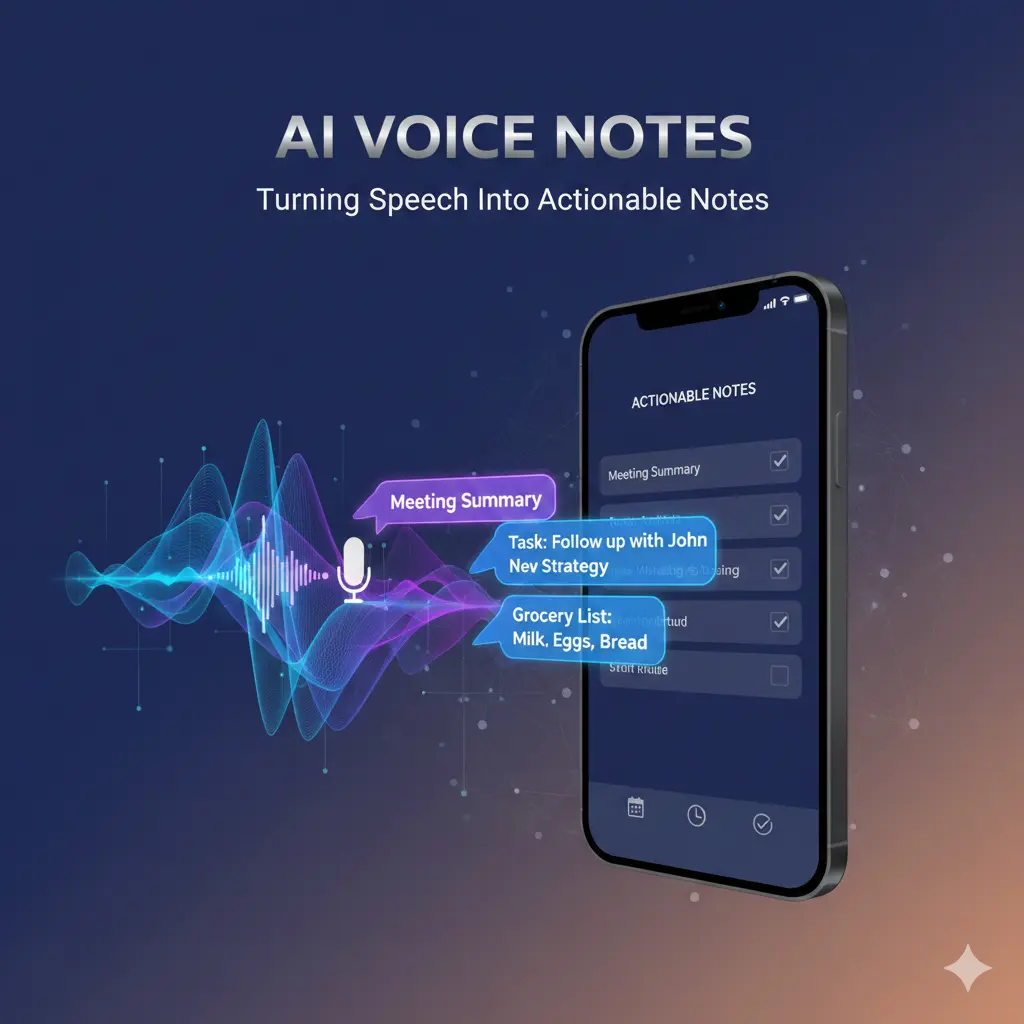
AI Voice Notes apps are transforming the way professionals capture ideas, meetings, and tasks. By converting spoken words into actionable notes, these tools save hours of manual work and make follow-ups easier. However, not all apps are reliable or accurate. Choosing the right app, setting it up properly, and integrating it into your workflow is essential for productivity.
With AI-powered transcription and note generation, you can quickly create summaries of meetings, lectures, or brainstorming sessions. This ensures nothing is forgotten and actionable tasks are highlighted immediately.
How AI voice notes apps process speech
AI voice notes apps follow a simple-looking but fragile pipeline:
Audio capture (mic quality, environment)
Speech-to-text transcription
Post-processing (punctuation, speaker inference)
Optional summarization and tagging
Each stage compounds errors. A small transcription mistake can become a misleading summary if left unchecked.
What AI voice notes apps do well
From real-world use, voice-first apps excel at:
Fast idea capture
Hands-free input during movement
Low friction when typing isn’t practical
Natural phrasing
Spoken thoughts often preserve intent better than rushed typing
Useful for brainstorming and reflections
Quick organization
Headings and bullets from rambling speech
Timestamps for later review
For capturing raw ideas, voice is often superior to text.
Where accuracy breaks down (and why)
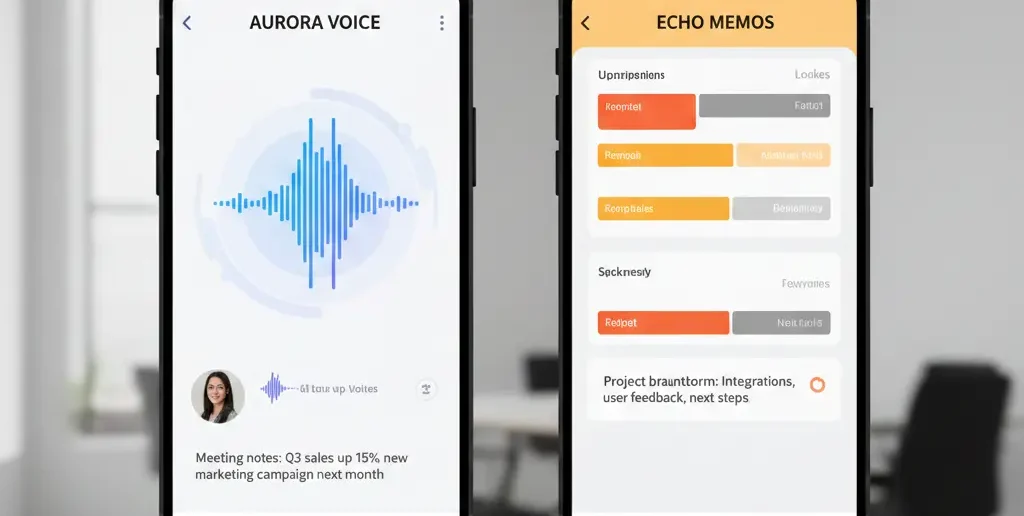
Voice input introduces challenges text doesn’t:
1. Environment noise
Traffic, keyboards, or other speakers reduce transcription accuracy.
2. Ambiguity in speech
Fillers (“uh,” “you know”), half-finished sentences, and corrections confuse models.
3. Accent and pacing variance
Fast or accented speech increases word substitution errors.
Result: Clean-looking text that subtly changes meaning.
Common mistakes users make (and fixes)
Mistake 1: Recording long, unstructured monologues
Fix: Speak in short segments with pauses.
Mistake 2: Trusting summaries without review
Fix: Scan transcripts before accepting summaries.
Mistake 3: Using voice notes for final decisions
Fix: Treat voice notes as drafts; finalize in text.
Information Gain — why short voice notes outperform long ones
rtionately better accuracy. When notes exceed 2–3 minutes, transcription errors rise and summaries flatten nuance. Counter-intuitive tip: record multiple short clips instead of one long note. You’ll get cleaner transcripts, better summaries, and faster review.
Top SERP pages often encourage “just talk.” What they miss: short voice notes produce dispropo
Practical insight from experience: designing a voice-first workflow
A reliable workflow looks like this:
| Stage | Action | Why |
| Capture | 30–90 second clips | Higher accuracy |
| Review | Quick transcript scan | Catch errors |
| Structure | AI bullets & headings | Clarity |
| Finalize | Manual edit | Accountability |
This approach keeps voice fast without sacrificing trust.
[Expert Warning]
Voice AI often guesses punctuation and emphasis. A single misplaced pause can change intent—always skim transcripts.
[Pro-Tip]
Say “new point” aloud when switching ideas. Many apps interpret this as a structural cue.
[Money-Saving Recommendation]
Free AI voice notes apps are sufficient for capture. Pay only if you need long recordings, speaker separation, or integrations.
(Natural transition) If you rely on voice notes in meetings, compare AI meeting notes tools that allow manual correction and persistent edits.
When an AI voice notes app is the right choice
Use voice notes when:
You’re mobile or hands-busy
Capturing ideas quickly matters
Notes are exploratory, not final
You plan to review later
Tone and emphasis loss
Legal or financial decisions
Complex technical instructions
High-stakes approvals
How to test an AI voice notes app in 30 minutes
Record three short clips in different environments
Check transcription accuracy
Generate a summary
Edit the summary and see if it persists
Export notes
If accuracy drops or edits don’t stick, reconsider.
FAQs
Are AI voice notes accurate?
They’re accurate in quiet environments and short clips; accuracy drops with noise and length.
Can voice notes replace typed notes?
No. They work best as drafts or idea capture.
Do accents affect AI voice notes?
Yes. Accent and speed influence transcription quality.
Are voice notes safe for private ideas?
Check data storage and retention policies carefully.
What’s the ideal length for a voice note?
Under two minutes for best results.
internal link:
Embedded YouTube (contextual)
Speech-to-text basics: https://www.youtube.com/watch?v=I0dV3fQz2H0
Voice note workflows: https://www.youtube.com/watch?v=J8Ck8e8xw5E
Conclusion
An AI voice notes app is a powerful capture tool—but only when used with intention. Keep recordings short, review transcripts, and treat summaries as drafts. When voice is paired with light human oversight, it becomes the fastest way to turn fleeting thoughts into usable notes.