Introduction
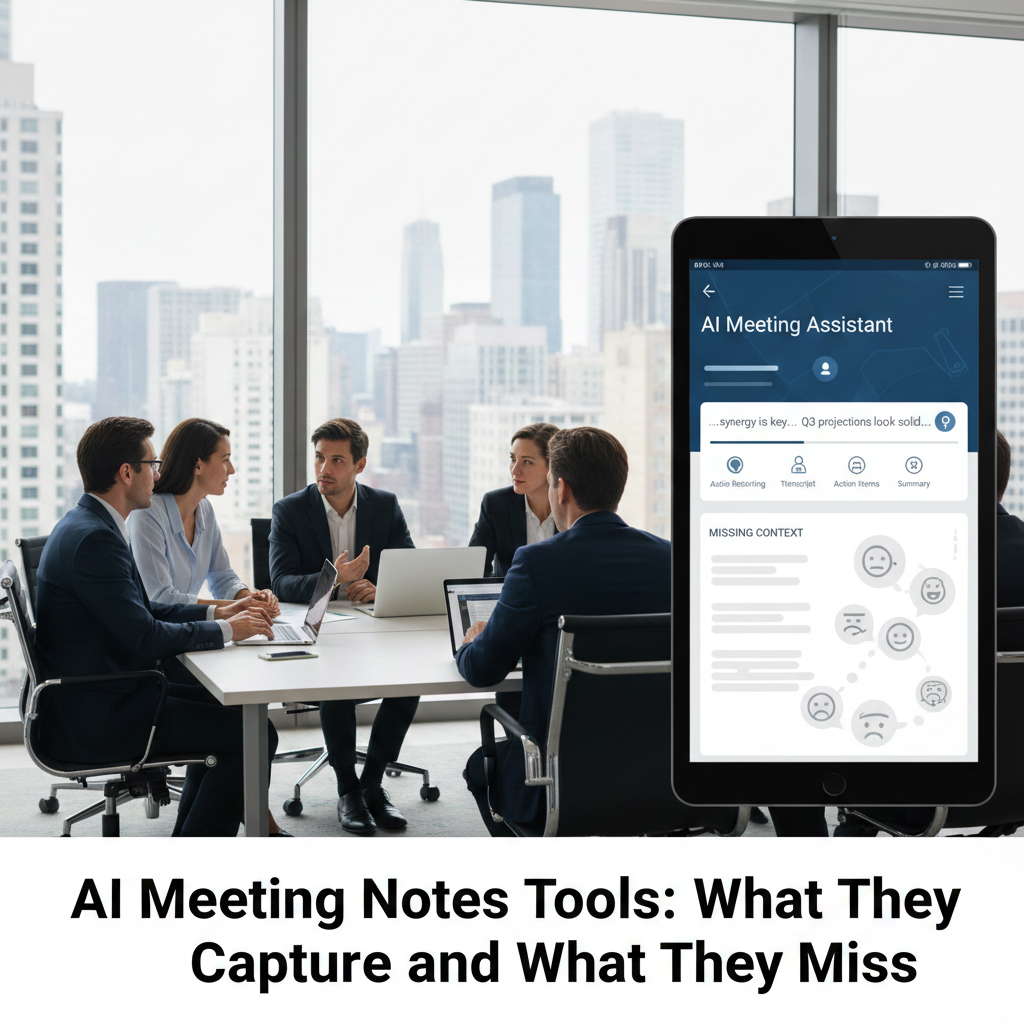
AI meeting notes tools can save hours after meetings, but they don’t capture intent, judgment, or accountability the way humans do. With remote work, long video calls, and constant sync meetings, teams are turning to AI to record conversations and generate summaries automatically. On the surface, it feels like a perfect solution: no more manual minutes, no more forgotten action items. In reality, AI meeting notes tools are excellent at capturing words, but far less reliable at capturing meaning. This article explains what these tools do well, where they consistently fall short, and how to use them in a way that improves productivity without creating misunderstandings or risky assumptions.
How AI meeting notes tools actually work
AI meeting notes tools usually follow a similar pipeline:
Audio capture from meetings (Zoom, Teams, in-person recordings)
Speech-to-text transcription
Summarization and structuring
Action item extraction and tagging
Each step introduces potential distortion. The further you go from raw audio, the more interpretation happens.
What AI meeting notes tools capture well
From real-world usage across teams, these tools perform best at:
1. Full conversation capture
AI doesn’t get tired. It records everything, including side comments and clarifications that humans often miss.
2. Basic structure
Most tools reliably extract:
Topics discussed
Repeated phrases
Obvious action items (“I’ll do X by Friday”)
3. Fast post-meeting summaries
For quick recaps or personal reference, AI summaries are often “good enough.”
In high-volume meeting environments, this alone can be a major time-saver.
What AI meeting notes tools consistently miss
This is where expectations often break.
1. Intent and emphasis
AI struggles with:
Sarcasm or hesitation
Soft commitments (“we might consider…”)
Disagreement masked by politeness
A sentence that sounds decisive in text may have been tentative in speech.
2. Ownership and accountability
AI may list tasks but miss:
Who actually owns the decision
Whether something was approved or just discussed
This creates risk when summaries are shared without review.
3. Context across meetings
AI treats meetings as isolated events. It rarely understands:
Prior decisions
Ongoing tensions
Why a topic matters now
Common mistakes teams make (and how to fix them)
Mistake 1: Treating AI summaries as official minutes
Fix: Use AI notes as drafts. Assign a human reviewer before sharing.
Mistake 2: Blindly trusting action items
Fix: Manually confirm owners and deadlines.
Mistake 3: Recording everything without consent
Fix: Always announce recording and confirm permissions.
Information Gain — why AI summaries can distort decisions
Most top-ranking articles praise speed. What they don’t explain is decision distortion. AI summaries compress discussions into neat bullets, often removing uncertainty and dissent. Over time, this creates a false narrative of agreement. Counter-intuitive insight: the cleaner the summary looks, the more carefully it should be reviewed. Real decisions are usually messy.
Real-world scenario: one meeting, two interpretations
Consider a product meeting where a manager says:
“Let’s move forward with this for now, but keep an eye on performance.”
AI summary:
Decision: Approved feature rollout
Human interpretation:
Temporary trial, subject to review
That difference matters when teams act on the notes.
When AI meeting notes tools are genuinely helpful
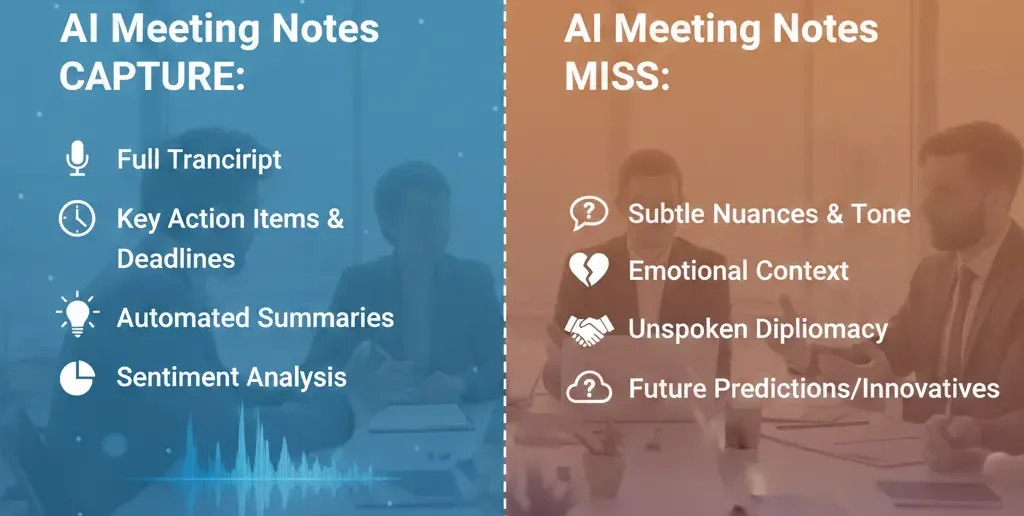
Use them when:
You need a record, not judgment
Meetings are informational
You want searchable archives
You review notes personally before acting
They are excellent assistants, not decision-makers.
When relying on AI meeting notes is risky
Avoid full reliance when:
Decisions affect budgets, legal issues, or strategy
Meetings involve conflict or negotiation
Accountability must be explicit
In these cases, human-written summaries remain safer.
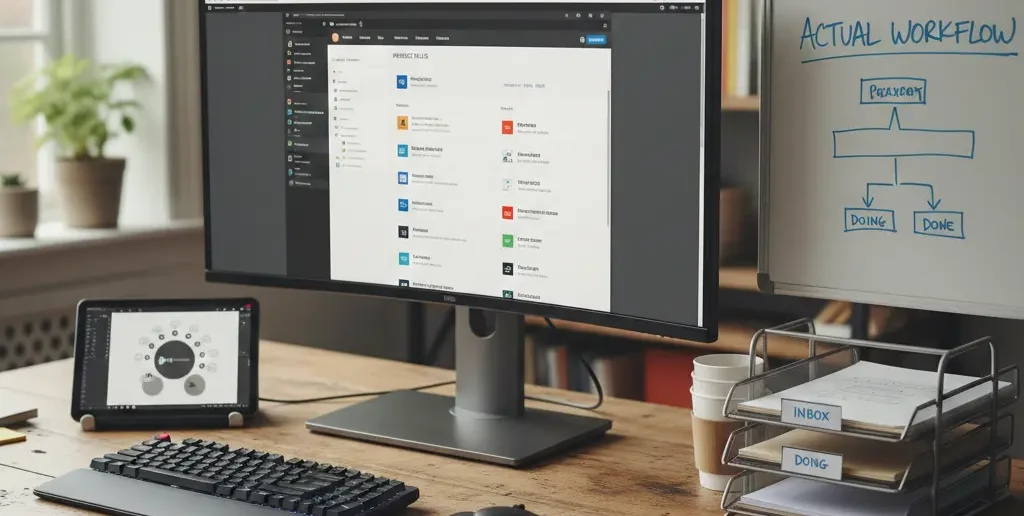
A practical workflow that actually works
Here’s a balanced team approach:
| Stage | Best Practice | Why |
| During meeting | AI recording | Complete capture |
| Immediately after | AI summary | Speed |
| Before sharing | Human review | Accuracy |
| Action tracking | Manual confirmation | Accountability |
This workflow keeps AI efficient and humans responsible.
[Expert Warning]
AI meeting notes can confidently misrepresent intent. Never treat them as authoritative without review.
[Pro-Tip]
Ask one person per meeting to validate AI notes for decisions and action items—it takes minutes and prevents weeks of confusion.
[Money-Saving Recommendation]
Free AI meeting notes tools are often enough if meetings are short and reviewed manually. Paid plans matter mainly for storage and integrations.
(Natural transition) If you’re comparing AI note-taking tools for meetings, prioritize those that let you edit summaries, assign owners manually, and control what gets shared.
How to evaluate an AI meeting notes tool in practice
Record a real meeting
Compare transcript vs summary
Check how action items are assigned
Edit the summary and see if edits persist
Export notes for archiving
If edits don’t stick or exports are limited, reconsider the tool.
FAQs
Are AI meeting notes accurate?
They are accurate for words spoken, less reliable for intent and decisions.
Can AI meeting notes replace human minutes?
No. They reduce workload but still require human validation.
Is recording meetings with AI legal?
It depends on jurisdiction. Always inform participants and follow local laws.
Do AI tools correctly assign action items?
Sometimes, but human confirmation is necessary.
Are AI meeting notes safe for sensitive discussions?
Only if privacy policies and storage practices are clearly understood.
internal link:
Embedded YouTube (contextual)
AI meeting notes explained: https://www.youtube.com/watch?v=8ZK9K7m8s9A
Effective meeting summaries: https://www.youtube.com/watch?v=HnXK3y5oQeY
External link:
Conclusion
AI meeting notes tools are powerful for capture and organization, but they don’t replace judgment, intent, or accountability. Used correctly—with human review—they save time and reduce friction. Used blindly, they create clean-looking records that quietly distort reality. The key is balance: let AI do the recording, and let humans do the deciding.
Documentation workflow note: for capturing a workflow for documentation, this Snagit screen recording guide is a useful related reference.